2024-01-25
7 min read
Frontend
How I Optimized React App Performance by 60%

Aarti Jakhar
Full Stack Developer
How I Optimized React App Performance by 60%
Performance optimization is critical for user experience. Here's how I achieved a 60% improvement in a React application.
Initial Analysis
Before optimizing, I used React DevTools Profiler to identify bottlenecks.
Key Optimizations
1. Code Splitting Implemented dynamic imports to reduce initial bundle size.
2. Memoization Used React.memo and useMemo to prevent unnecessary re-renders.
3. Image Optimization Optimized images using Next.js Image component and WebP format.
4. Lazy Loading Implemented lazy loading for below-the-fold content.
Results
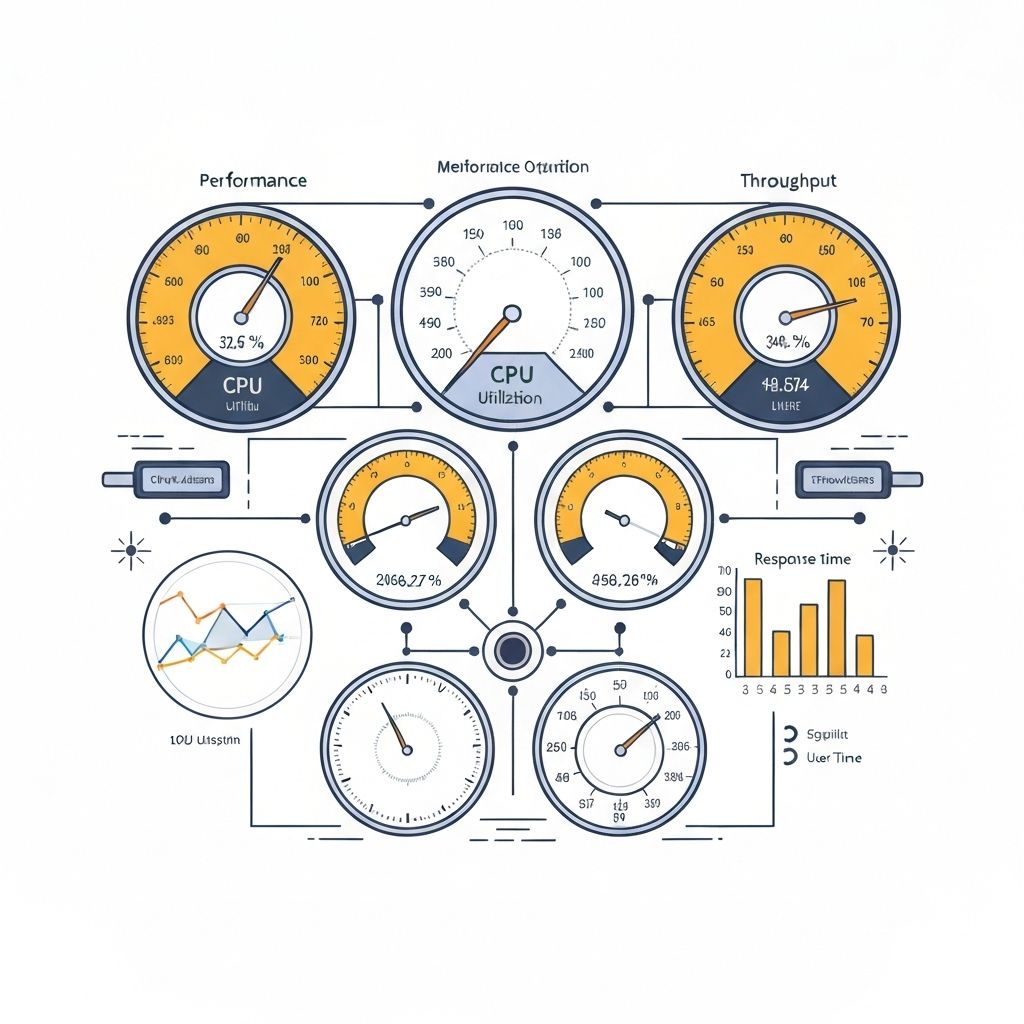
- Initial load time: 4.2s → 1.8s (57% improvement)
- Time to Interactive: 6.1s → 2.4s (61% improvement)
- Bundle size: 450KB → 280KB (38% reduction)
Tools Used
- Lighthouse for performance auditing
- React DevTools Profiler
- Webpack Bundle Analyzer
- Chrome DevTools
Lessons Learned
1. Measure first, optimize second 2. Focus on user-centric metrics 3. Iterate and test continuously
Conclusion
Performance optimization is an ongoing process. These techniques will help you build faster applications.
Tags
ReactPerformanceOptimizationFrontend